If you can't remember your password, you can set a new one from the login page. You'll need access to the email address on your mediakit.bio account.
Reset a forgotten password
-
Go to the mediakit.bio login page.
-
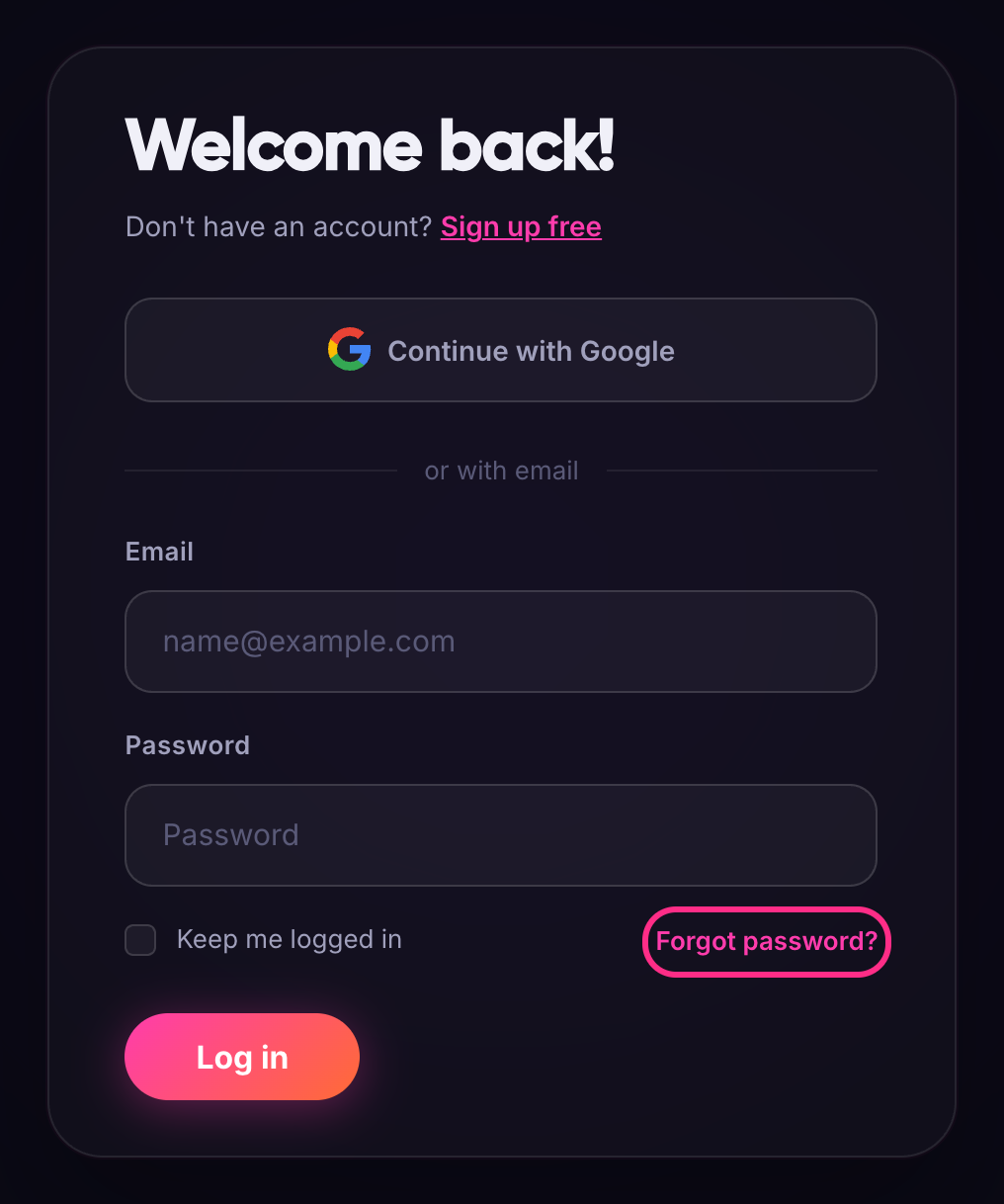
Click Forgot password? below the password field.
-
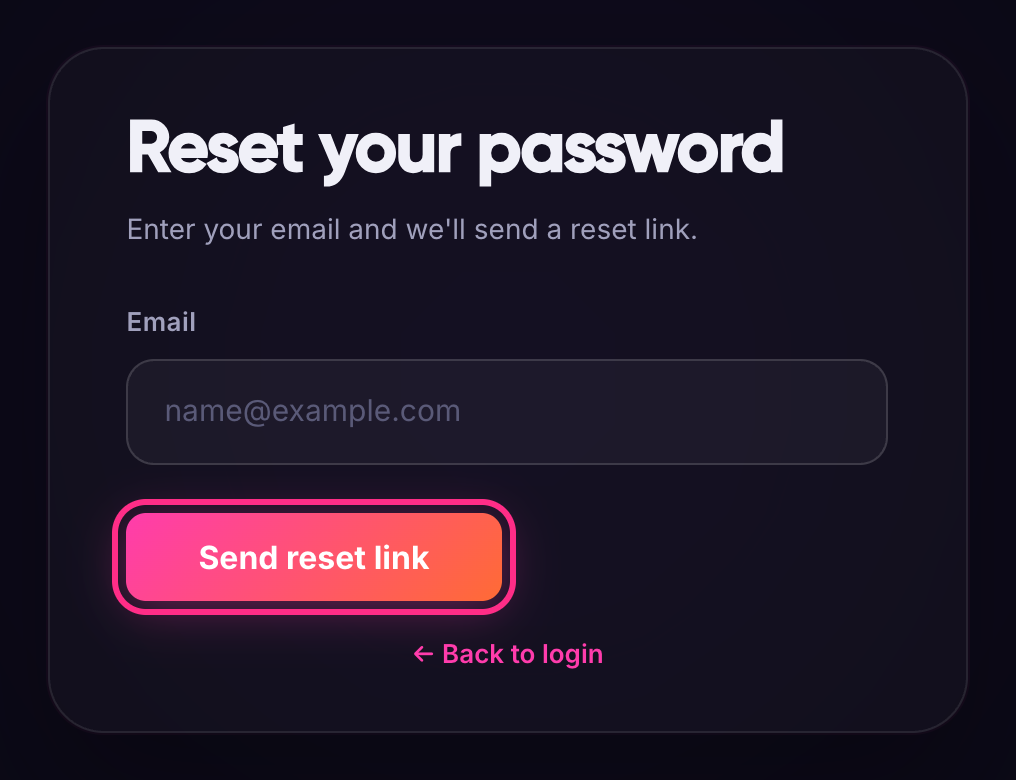
Enter the email address you use for mediakit.bio and click Send reset link.
-
Open the email we send you and click the reset link. If it isn't in your inbox after a few minutes, check your spam folder.
-
On the Set your new password page, enter your new password in both fields and click Set new password.
-
You'll see Your password has been changed. Click Now log in and sign in with your new password.
Change your password while logged in
If you know your current password and just want a new one:
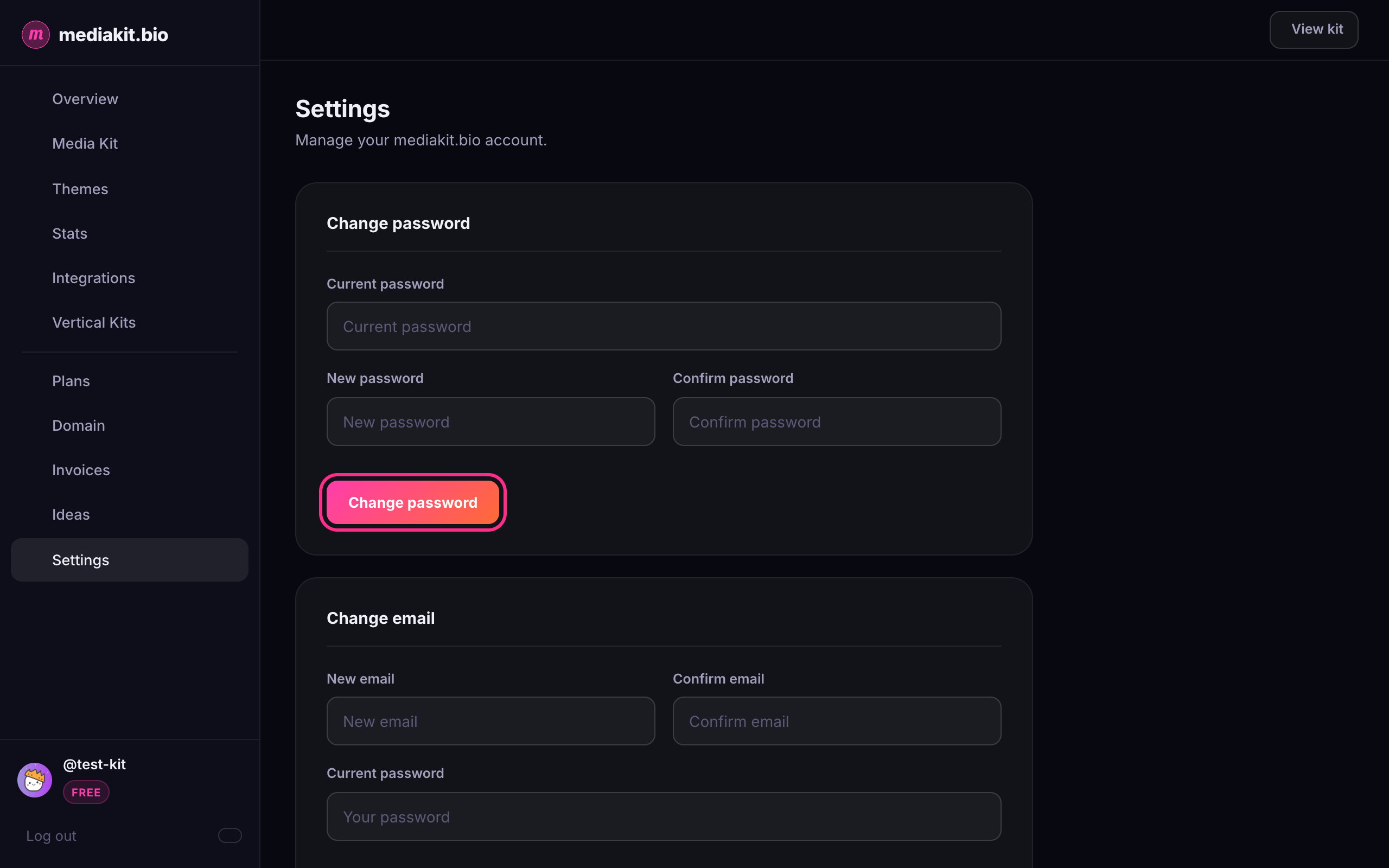
- Click Settings in the left sidebar.
- In the Change password section, enter your current password, then your new password twice.
- Click Change password. You'll see Password changed successfully.
Signed up with Google?
If you created your account with Continue with Google, you don't need a mediakit.bio password. Just click Continue with Google on the login page.
If you want a password as well, for example to change your email address, go to Settings. Under Change password, click Send reset link, then follow steps 4 to 6 above.