Log out when you've finished using mediakit.bio on a shared or public computer.
Log out of mediakit.bio
-
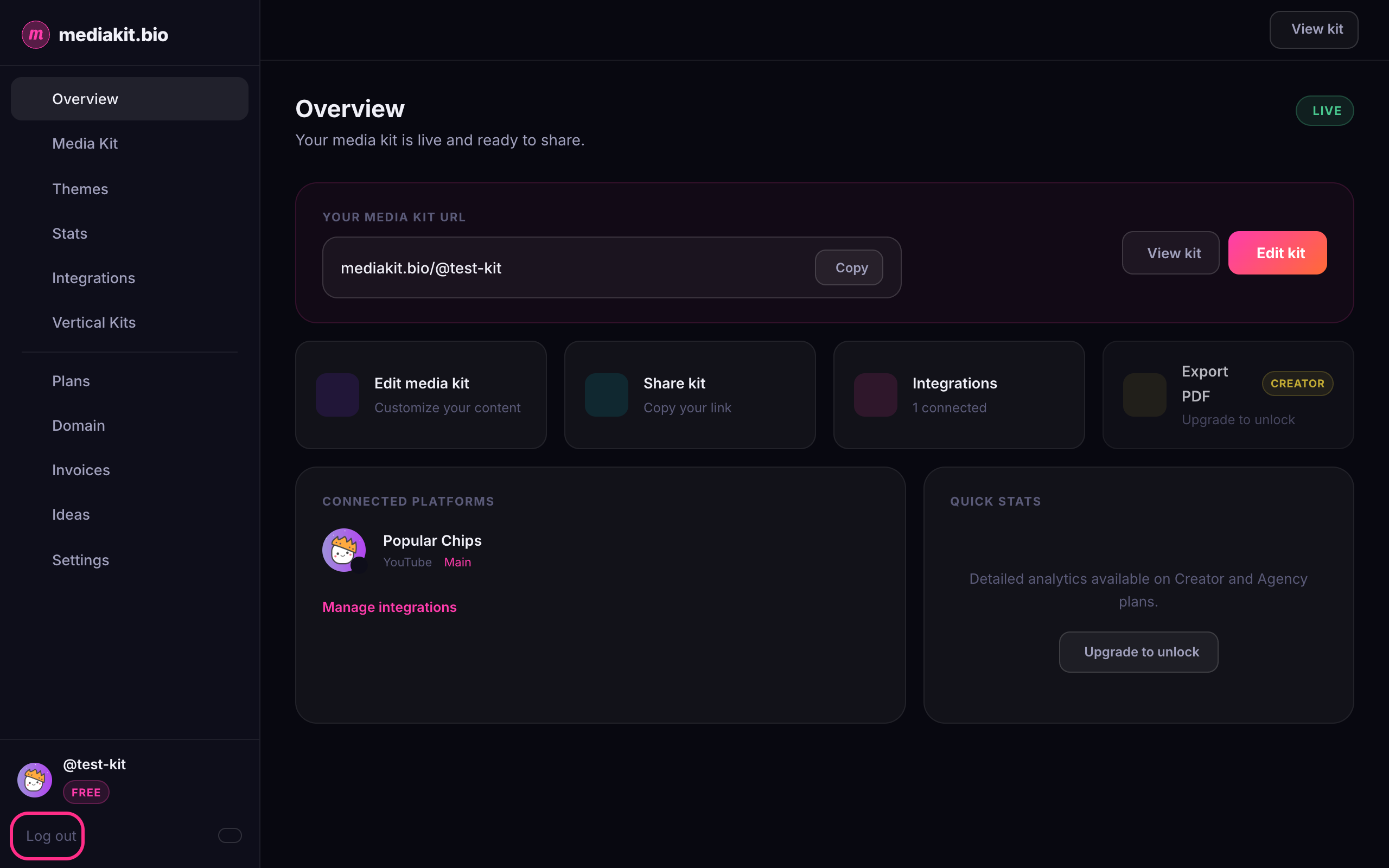
While logged in, look at the bottom of the left sidebar, below your profile name.
-
Click Log out.
-
You're taken back to the mediakit.bio home page and are now logged out.
Good to know
- Logging out doesn't affect your media kit. Your public page stays live, and brands can still view it.
- If you ticked Keep me logged in when signing in, logging out also ends that saved session on this browser.
- To log back in, click Log in at the top of the home page.