Deleting your account is permanent and can't be undone. It removes all your data, your connected social accounts and your public media kit page, and there's no way to recover them afterwards.
Before you start
- Paid plan: deleting your account cancels your subscription immediately. You won't be charged again, and no refund is issued for the current period. If you only want to stop paying, cancel your subscription instead and keep your account on the Free plan.
- Agency plan: Agency accounts can't be deleted from Settings. Contact our support team and we'll take care of it.
Delete your account
-
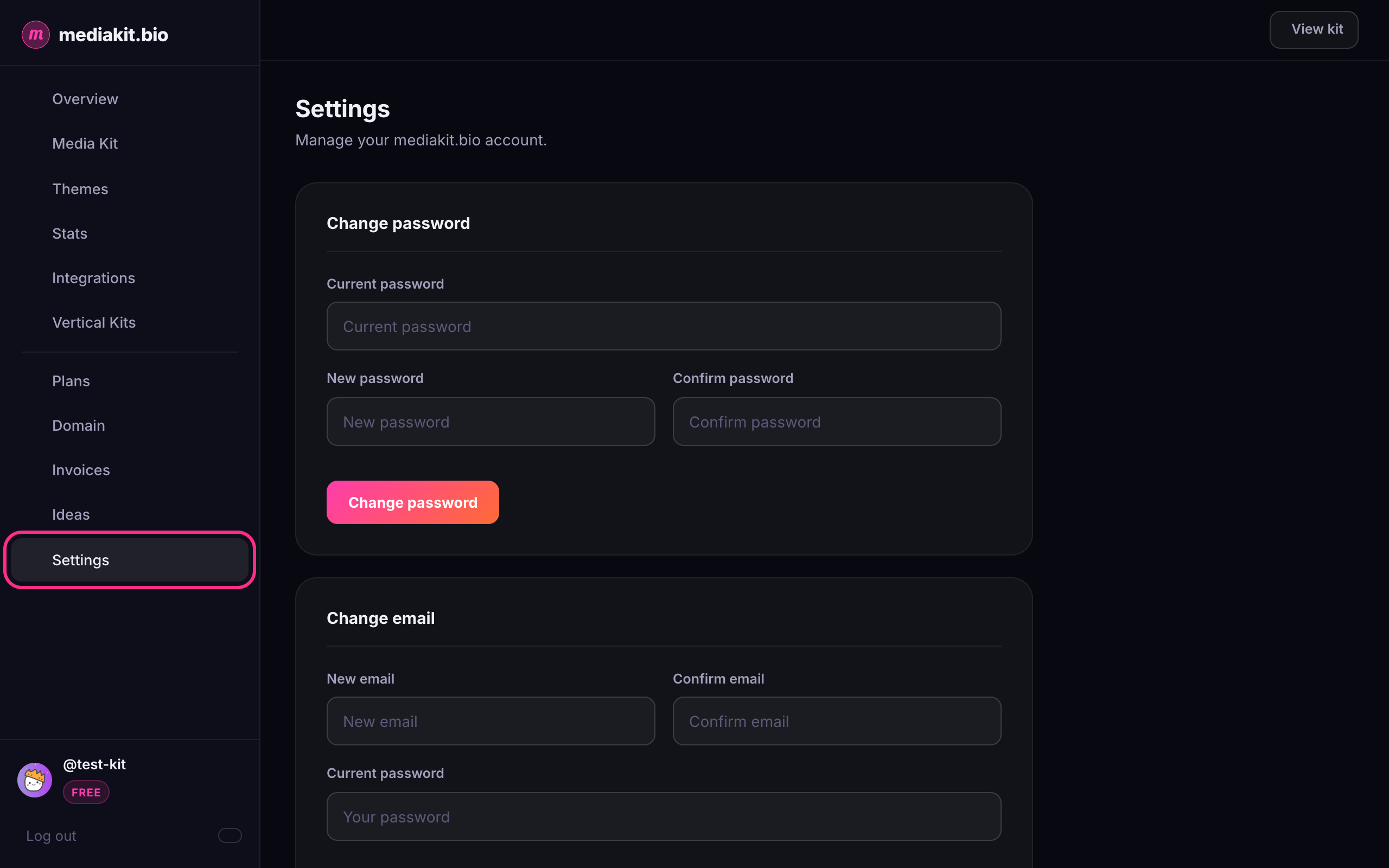
Log in to mediakit.bio and click Settings in the left sidebar.
-
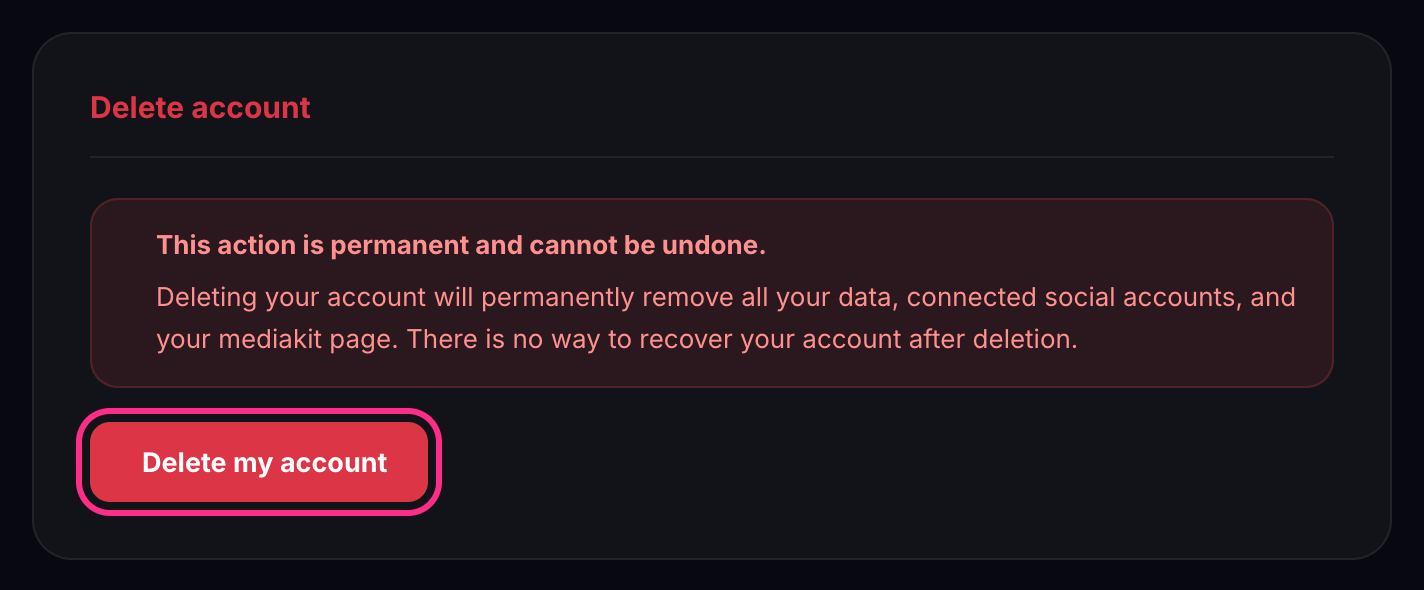
Scroll to the bottom of the page, to the Delete account section.
-
Click Delete my account.
-
Confirm that it's you:
- If you log in with a password, enter it under Confirm your password. If you've turned on two-factor authentication, also enter a code from your authenticator app.
- If you signed up with Google, click Send code. We'll email you a 6-digit confirmation code. Enter it in the window. (If you use two-factor authentication, enter your authenticator code instead.)
-
Click Permanently delete account.
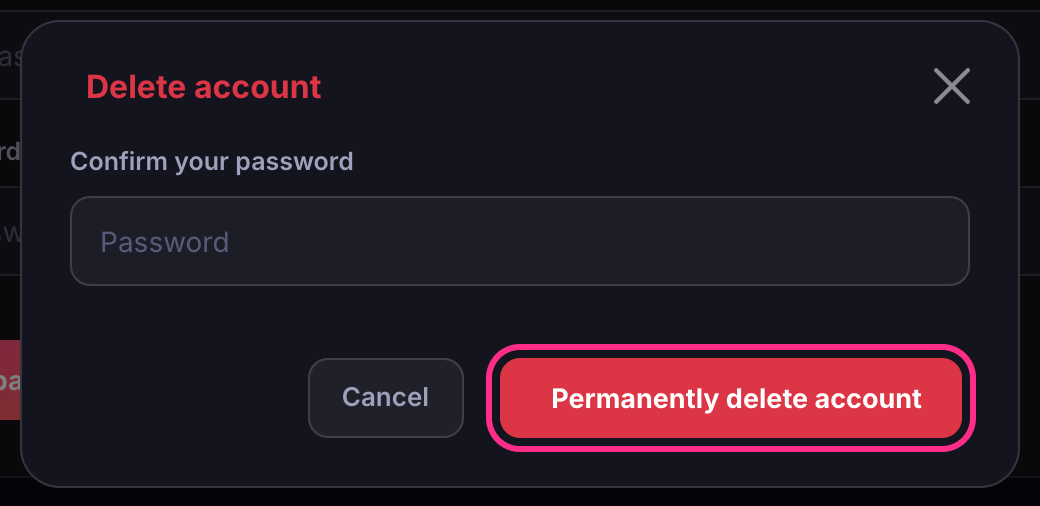
Your account is deleted straight away, and you're taken back to the home page.
Changed your mind? Click Cancel in the window at any point before step 5, and nothing is deleted.