You can change the email address on your account at any time from Settings. The new address becomes your login email straight away.
Change your email address
-
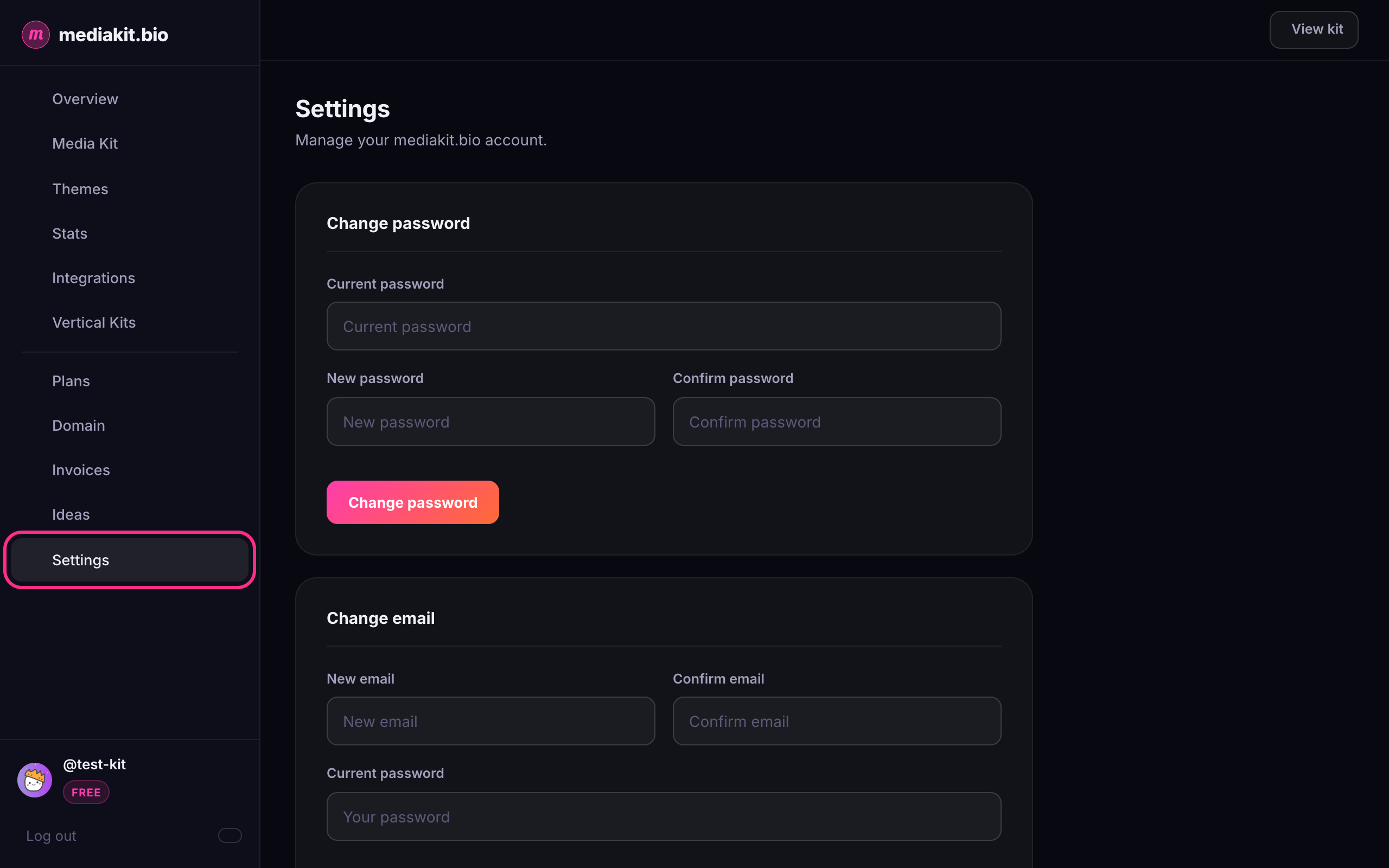
Log in to mediakit.bio and click Settings in the left sidebar.
-
Scroll to the Change email section.
-
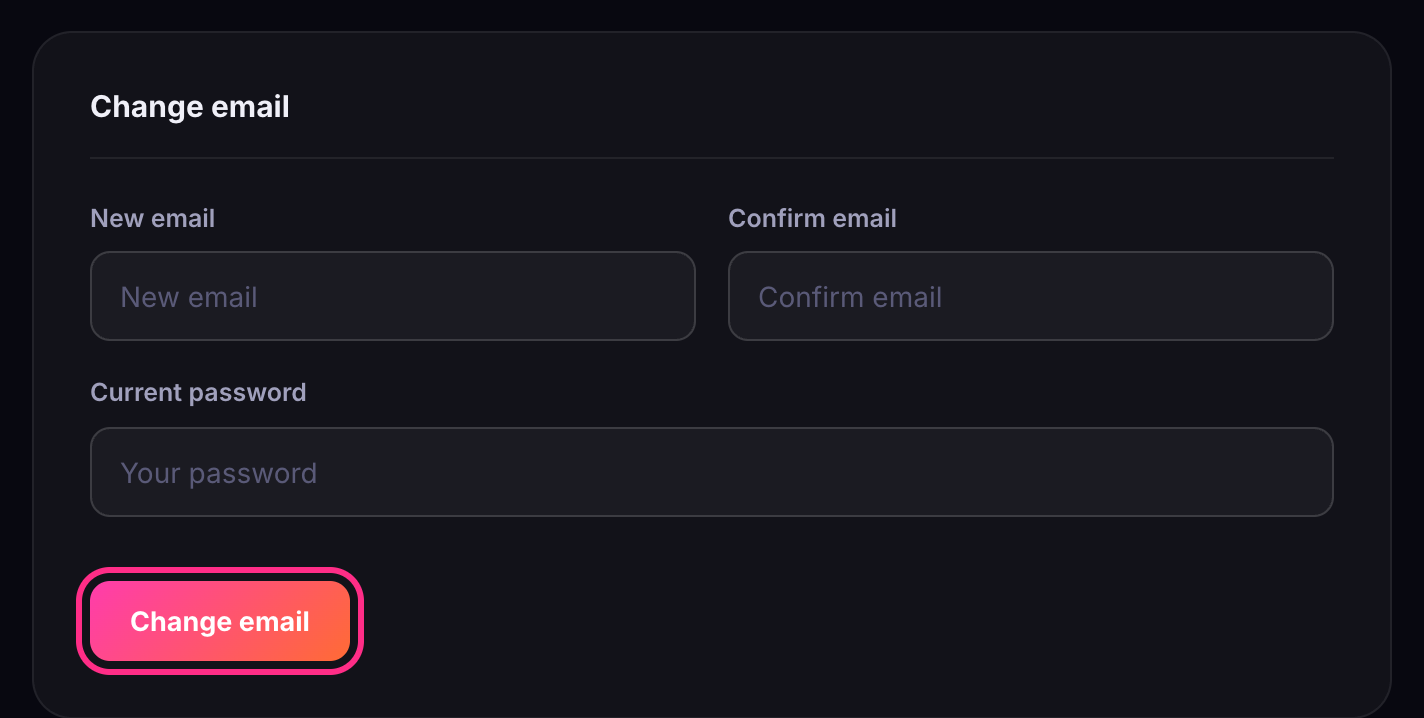
Enter your new address in New email, then type it again in Confirm email.
-
Enter your Current password to confirm it's really you.
-
Click Change email.
-
You'll see Email changed successfully. From now on, use the new address to log in.
Troubleshooting
- The two email fields don't match: check both fields for typos and try again.
- You don't have a password: if you signed up with Google, you need to set a password first. In Settings, under Change password, click Send reset link and follow the email. Then come back and change your email.
- You forgot your password: reset it from the login page with Forgot password?, then try again.